Free Trial
Free Trial
compare crm

How Tribe CRM compares: sales, delivery and billing on one platform

Tribe runs sales, projects and invoicing on one platform, priced per user and never per contact. See how that compares on features, add-on costs and what’s included as standard.

Tribe runs sales, projects and invoicing on one platform, priced per user and never per contact. See how that compares on features, add-on costs and what’s included as standard.

Start free trial Book a demo

Every gap between your tools has a price

why tribe icon deal

A lead goes cold between two systems

While it sits between marketing and sales, a competitor's already reached out.
why tribe icon invoice

A late invoice means a late payment

The hours sat unbilled in a spreadsheet before the invoice was sent out.
why tribe icon lead

A quiet deal disappears before anyone notices

Nobody knew they had to follow up, so it dropped off the forecast.

One platform, every stage already connected.

When sales, delivery, and billing run on the same platform, every team works from the same data. Nothing must be re-explained or hunted down between tools, and that’s what Tribe is built for.

Win the deal

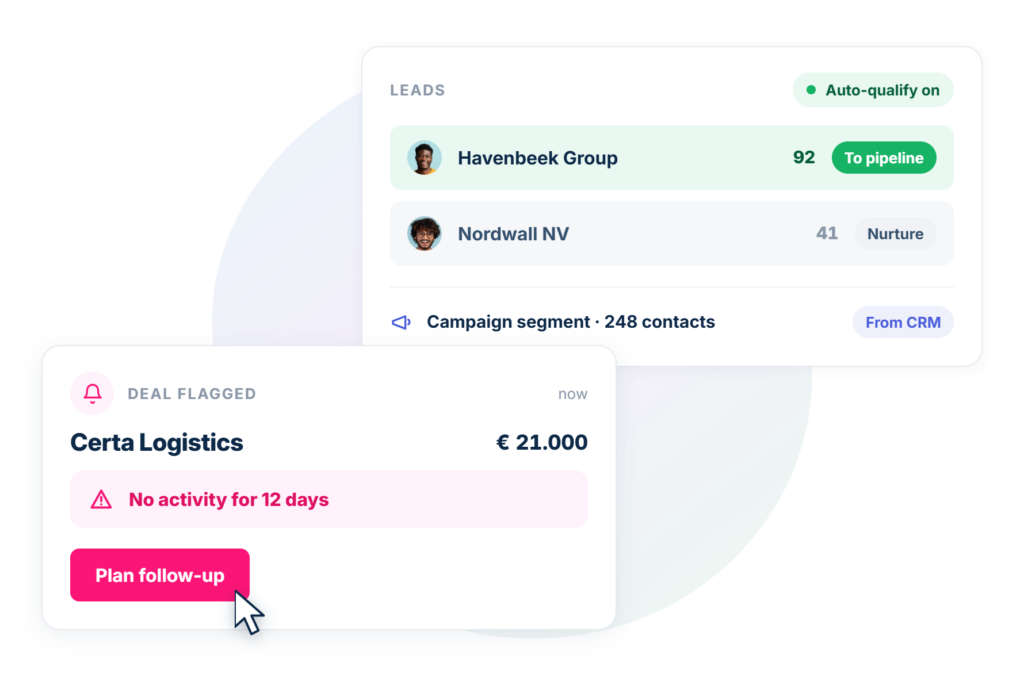
Qualify leads automatically, invoice in a couple of clicks, and segment campaigns from data your sales team already trusts.
  • Only qualified leads reach your pipeline
  • No deal goes unnoticed, Tribe flags it before it stalls
  • Campaigns segment straight from your CRM data, not an exported list
Explore sales management
how tribe works with sales

Deliver the work, get paid for it

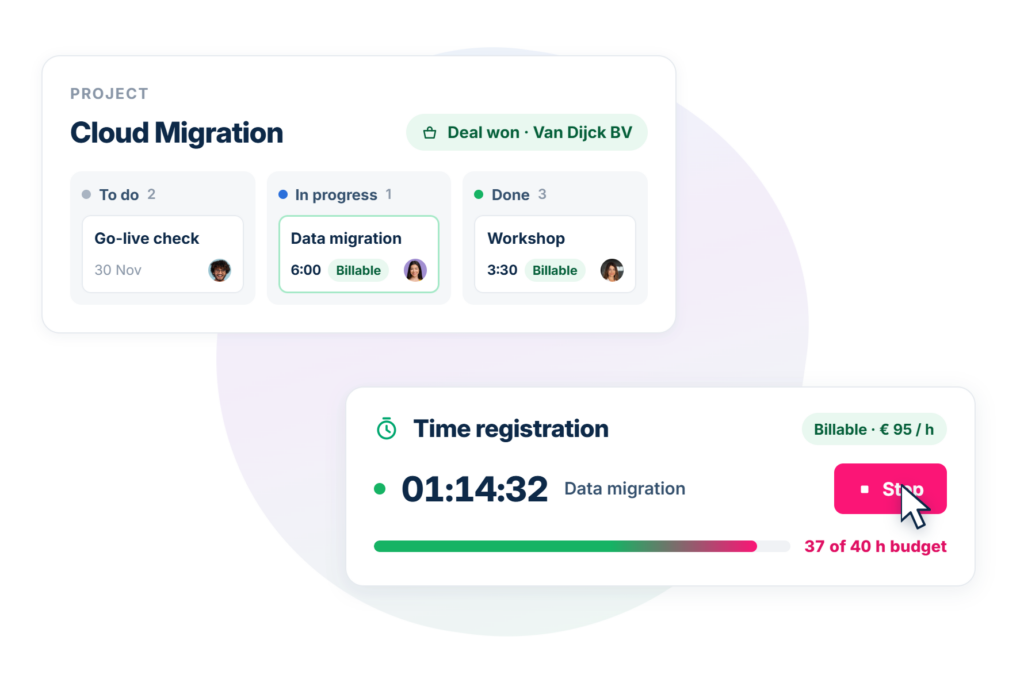
Plan the project, log the hours, and invoice, all from the same record the deal started on.
  • Every project opens on the same platform the deal closed on
  • Every hour logged is tagged billable and priced, ready for the invoice
  • See a budget overrun coming, while there's still time to act
Explore project management
how tribe works with project management

Work smarter, automatically

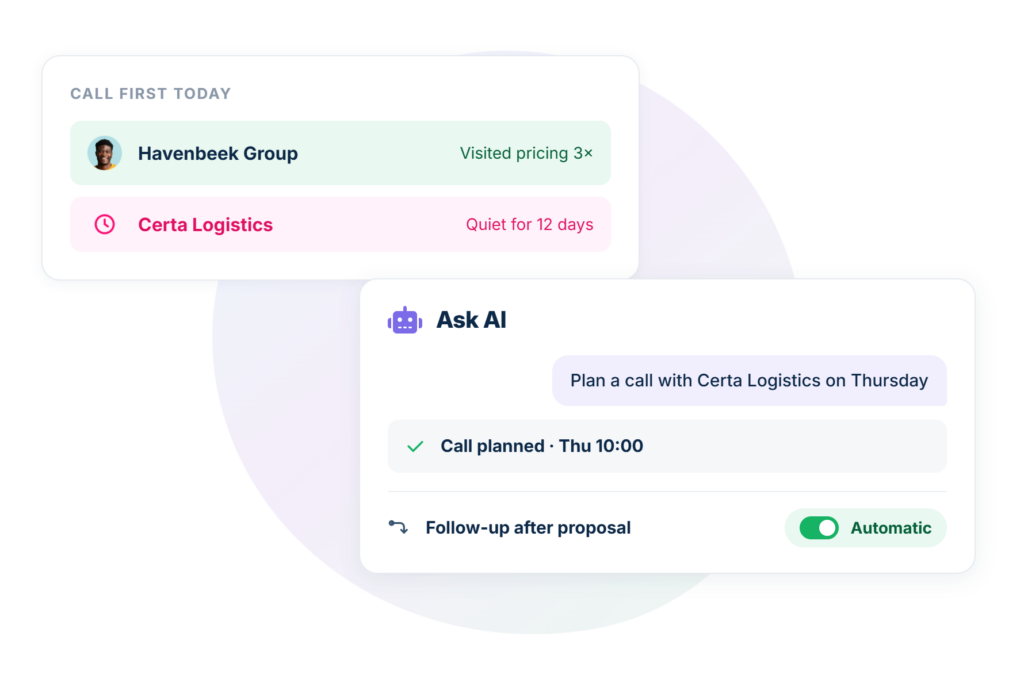
Tribe watches your best leads, your competitors and your inbox, and takes care of admin whenever you ask.
  • Know which lead to call first, and which deal's gone quiet
  • Ask Tribe AI anything, or tell it what to do
  • Routine follow-ups run themselves, nobody needs to remember
Explore AI assistant
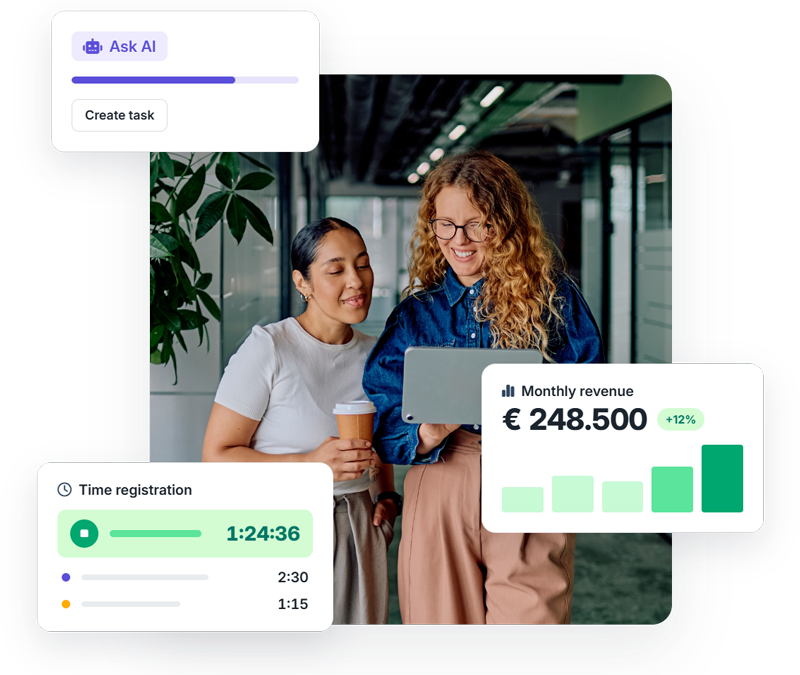
how tribe works with ai automations

Everyone at the table gets what they need

For sales and marketing

A stalled deal gets flagged before it’s lost, and campaigns segment straight from that same data, so nobody’s targeted by mistake.

For operations and finance

Projects and invoices run on the same platform the deal closed on, not a separate tool or app, and also connect to Exact Online, Twinfield, SnelStart and more.

For support and customer success

Sentiment and tickets sit on the same record as the deal, so a frustrated customer never has to repeat themselves.

See how Tribe CRM compares

How Tribe compares to the most common CRM platforms.

Tribe Hubspot Pipedrive Odoo Dynamics 365

Pricing

Leads, deals, pipeline

AI

Email marketing

Project management

Invoicing

Support ticketing

Time registration

€€

✅

✅

✅

✅

✅

✅

✅

€€€€

✅

✅

✅

✅

✅

✅

❌

€

✅

✅

⚠️ Paid add-on

⚠️ Paid add-on

❌

❌

❌

€–€€

✅

⚠️ Pay-per-use

✅

✅

✅

✅

✅

€€€€

✅

⚠️ Pay-per-use

⚠️ Paid add-on

⚠️ Paid add-on

⚠️ Paid add-on

⚠️ Paid add-on

⚠️ Paid add-on

Compare us

Find out how Tribe CRM stacks up against other CRM alternatives

Tribe vs HubSpot

No separated business hubs or pricey upgrades. With Tribe, what you see is what you get: transparent pricing plans, and a CRM built to grow with you.
Compare HubSpot & Tribe

Tribe vs Pipedrive

Skip the CRM that makes you pay extra for core features. Tribe keeps it affordable and scalable, so you get exactly what you need from the get-go.
Compare Pipedrive & Tribe

Tribe vs Salesforce

Tribe vs Salesforce — Detailed Comparison of Features, Pricing, Integrations, and Workflow Capabilities to Understand Which CRM Fits Your Team’s Needs
Compare Salesforce & Tribe

Tribe vs Odoo

Evaluating Tribe and Odoo — An In‑Depth Feature, Pricing, and Functionality Comparison for Businesses Choosing a CRM
Compare Odoo & Tribe

Tribe vs Cirqll

Tribe combines AI, smart automation, and unlimited data to give clarity from day one and fuel growth beyond simple pipelines.
Compare Cirqll & Tribe

Tribe vs Lime Go

You don't want a CRM that starts to show its limitations once your business starts to grow. With Tribe, our built-in AI, unlimited data storage, and support automation is here to scale with you.
Compare Lime Go & Tribe

Tribe vs Bigin by Zoho CRM

Bigin might seem budget-friendly at first, but essentials like calendar and contact sync come at a cost. With Tribe, you don’t have to worry about paying extra for core features.
Compare Bigin by Zoho & Tribe

Tribe vs Monday CRM

Tribe CRM is a true all-in-one solution, while monday CRM often requires extra setup and add-ons. Here’s a quick comparison to help you choose the right fit.
Compare Monday & Tribe

Tribe vs Brevo

Tribe does more than marketing: it helps you organize your sales, track deals, and nurture customers—all in one friendly platform.
Compare Brevo & Tribe

Tribe vs Teamleader

If you’re ready to go beyond the basics, Tribe is built for you: flexible automations and built-in AI sales tools so you don’t just keep up – you lead.
Compare Teamleader & Tribe

Tribe vs Sellsy

From CRM and invoicing to AI-driven automation, Tribe builds on what Sellsy starts, turning structure into momentum.
Compare Sellsy & Tribe

Tribe vs SuperOffice

Explore the differences between Tribe CRM and SuperOffice and choose the CRM that suits your team perfectly.
Compare SuperOffice & Tribe

Tribe vs Upsales

Tribe vs Upsales — If you've outgrown spreadsheets but not ready to overpay, Tribe gives you more CRM for less complexity.
Compare Upsales & Tribe

Tribe vs Axonaut

Axonaut handles CRM, invoicing, and admin. Tribe adds AI and automation to help your sales team grow faster and work smarter.
Compare Axonaut & Tribe

Tribe vs Zendesk Sell

When Zendesk Sell sunsets, Tribe offers a future‑ready CRM with built‑in AI, unlimited data, and real sales momentum from day one.
Compare Zendesk & Tribe

Tribe vs WebCRM

Upgrade from WebCRM to Tribe CRM with AI, automation, and invoicing – without changing your partner or support team.
Compare CRMs

Tribe vs Microsoft Excel

Ditch spreadsheets – Tribe automates sales, enriches contacts, and gives insights Excel can’t.
Compare CRMs

FAQ about why you should choose Tribe CRM

Sales, delivery and billing all run on the same platform, not a separate integration or a different paid product. Most CRMs handle contacts and deals well, but leave invoicing, project delivery or time tracking to something else entirely.

No. Both are native to Tribe, tied to the same client record the deal closed on. Pipedrive and Microsoft Dynamics 365, for example, require a separate paid add-on or an entirely different product for either.

Included. Some competitors gate AI features behind a higher tier or bill per use; Tribe’s AI assistant and background AI features come with your plan.

Yes. Alongside native invoicing, Tribe connects to Exact Online, Twinfield, SnelStart and other accounting tools from the Marketplace.

Yes. Contacts, deals and history typically move across during onboarding. Ask your account manager what’s involved for your specific setup.

No. Tribe works across industries, including consulting, manufacturing and non-profit organisations, with the same core platform adapting to each.

Most teams are live from a few weeks, since there’s one system to set up rather than several to connect and configure separately.

Per seat, per month. Plans range from Essential to Ultimate depending on what your team needs. And we do not charge you based on your contact size so you can grow your business without having to pay more.

Both. A small team can start with the basics and add structure as it grows; a larger team can use multiple pipelines, permission levels and roles from day one.

No. Start a 14-day free trial without a credit card.

More resources to help you choose CRM

Start free trial Get a demo