Free Trial
Free Trial

Odoo alternative: how Tribe CRM compares

Compare features and pricing side by side. The difference comes down to whether you need a full business platform, with accounting, manufacturing and inventory alongside CRM, or a CRM built for sales, billing and delivery. Both cover the sales pipeline. They differ in how much else comes with it.

alternative to odoo crm

A side-by-side look at both CRMs

Features

Tribe CRM

Odoo

CRM and sales pipeline ✔ ✔
Native invoicing ✔ All plans ✔ All plans
Time registration ✔ All plans ✔ All plans
Project management ✔ From Advanced ✔ All plans
AI features ✔ Included Paid plans only¹
No-code configuration ✔ All plans² ✔ Top tier only²
Pricing structure Per seat Per app, bundled "all apps" option³
Minimum seats 2 on Essential/Advanced, 5 on Ultimate None
Free plan None One app, free, unlimited users⁴
Start your free trial As of October 2026: ¹Tribe keeps data EU-resident, sending only what each task needs to a third-party LLM (mainly Anthropic) under Standard Contractual Clauses (the EU's safeguard for data sent abroad), nothing persisted in the US. Odoo's AI runs on ChatGPT or Gemini, with no EU option except a paid partner add-on; it's excluded from Community, included from Standard, and metered by credits. ²Tribe’s price lists, where your team sets its own product prices, and its product settings are native at every tier; custom fields scale too, from relationship-level on Essential to full composability on Ultimate. Odoo Studio, its no-code layer, is free alone as a single app, but needs the top "Custom" tier alongside any other app. ³Odoo Enterprise bundles all apps under one per-user price; Community is free, self-hosted, and unsupported directly by Odoo. ⁴Unlimited users on a single app, indefinitely, not a time-limited trial. Current rates are on each vendor's pricing page, since both change from time to time.
Where Tribe differs from Odoo

Three things to check before you pick either one.

No developer required

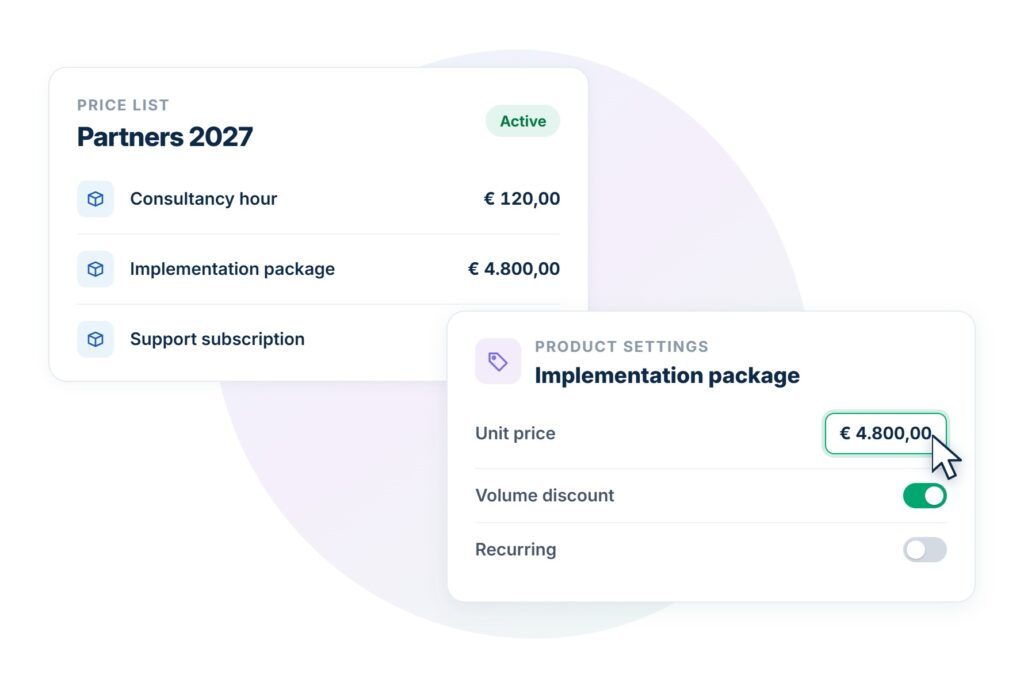
Tribe’s price lists, where your team sets its own product prices, and its product settings need no code, at every tier. Odoo needs a developer instead, unless Studio runs alone: pair it with any other app, and that needs the top plan.

AI in EU by default

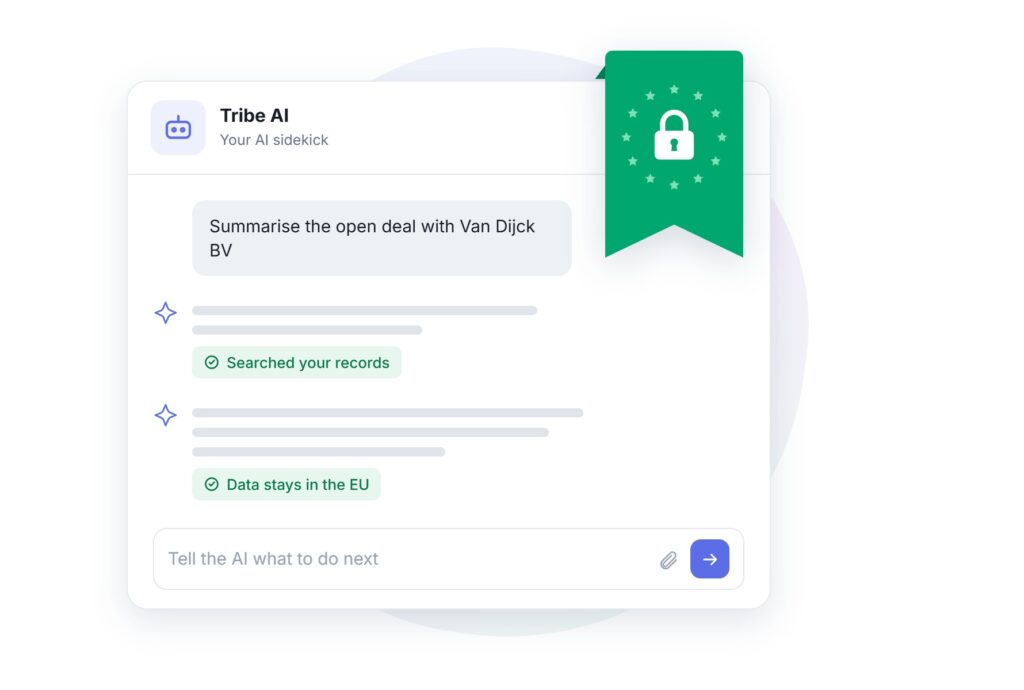
Tribe's core data stays on EU infrastructure; AI sends only what each task needs to a third-party model, with nothing stored in the US. Odoo's native AI defaults to US providers instead, and EU-resident AI needs a separate partner-built add-on.
tribe compared to odoo ai in eu by default

Know your total cost upfront

Tribe's price covers the core workflow at every tier, with a few add-ons and a minimum contract value for deeper support. Odoo's price is for the platform alone; reviews describe implementation as a separate cost, often underestimated.
tribe vs odoo know your total cost upfront

See sales, billing and delivery work together

Odoo's free tier gives you a single app. Tribe's 14-day trial shows the whole connected workflow from day one, no credit card needed.
Start your free trial

Pipedrive vs Tribe CRM

Tribe CRM

Odoo

Started as Dutch sales and operations CRM Open-source roots, ERP built in Belgium
Built for One workflow: sales, billing, delivery Running an entire business across many departments
Deployment Cloud only Cloud on any plan; self-hosted via Community, or Enterprise's Custom plan
Ease of use No-code setup; self-service by default, guided onboarding on higher plans Setup often needs a developer or partner; no-code layer only on highest plan
Free trial Yes, 14 days Yes, plus a free single-app tier
Start your free trial No credit card required.

Odoo and Tribe CRM aren’t really competing on the same ground. Odoo is the broader platform; Tribe is built specifically around the path from a sale to delivery. Odoo has more features, by a wide margin. 

Where they diverge is scope. Odoo covers CRM, accounting, inventory, manufacturing, HR, e-commerce and more, all in one database, and its own customers often choose it specifically to replace several disconnected tools with one. Tribe is built around a business’s lead-to-invoice and delivery workflow, connecting to external accounting software, including a marketplace integration with Odoo itself. It doesn’t extend into manufacturing or warehouse management, so a team that needs those built into the system has a reason to consider Odoo. 

CRM and pipline: both are capable, the difference sits around it

Odoo’s CRM gives a visual, drag-and-drop Kanban pipeline, automated lead routing by rule or round-robin, lead enrichment, a merge prompt for duplicate leads when converting one into an opportunity, and native VoIP. that logs calls straight to the lead record, built in rather than a separate add-on. Predictive lead scoring, trained on a company’s own historical win/loss data, is available on Odoo’s higher-tier plans. A won opportunity converts straight into a quotation in Odoo’s Sales app, carrying its context across automatically. 

crm sales pipeline comparison odoo

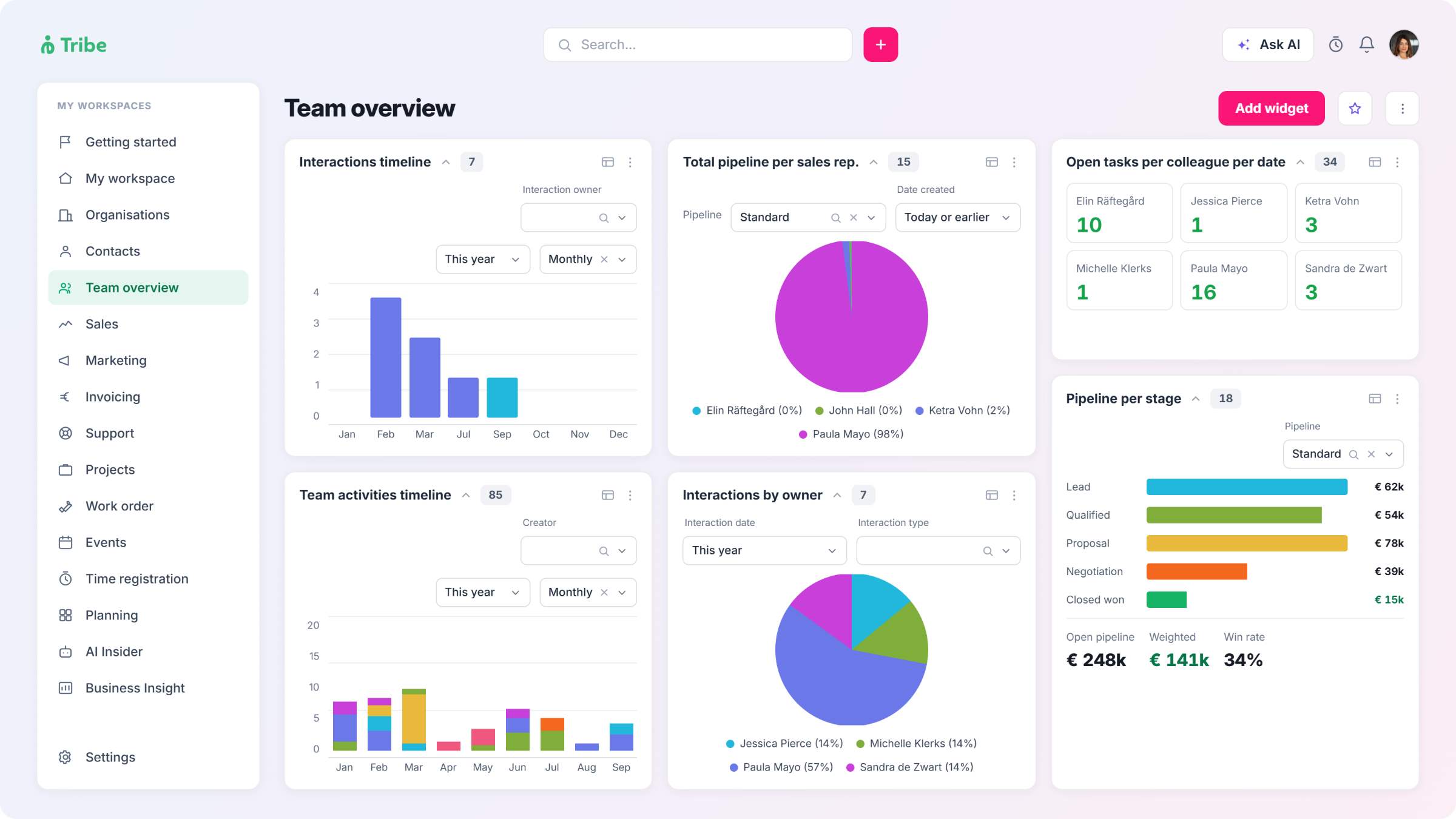
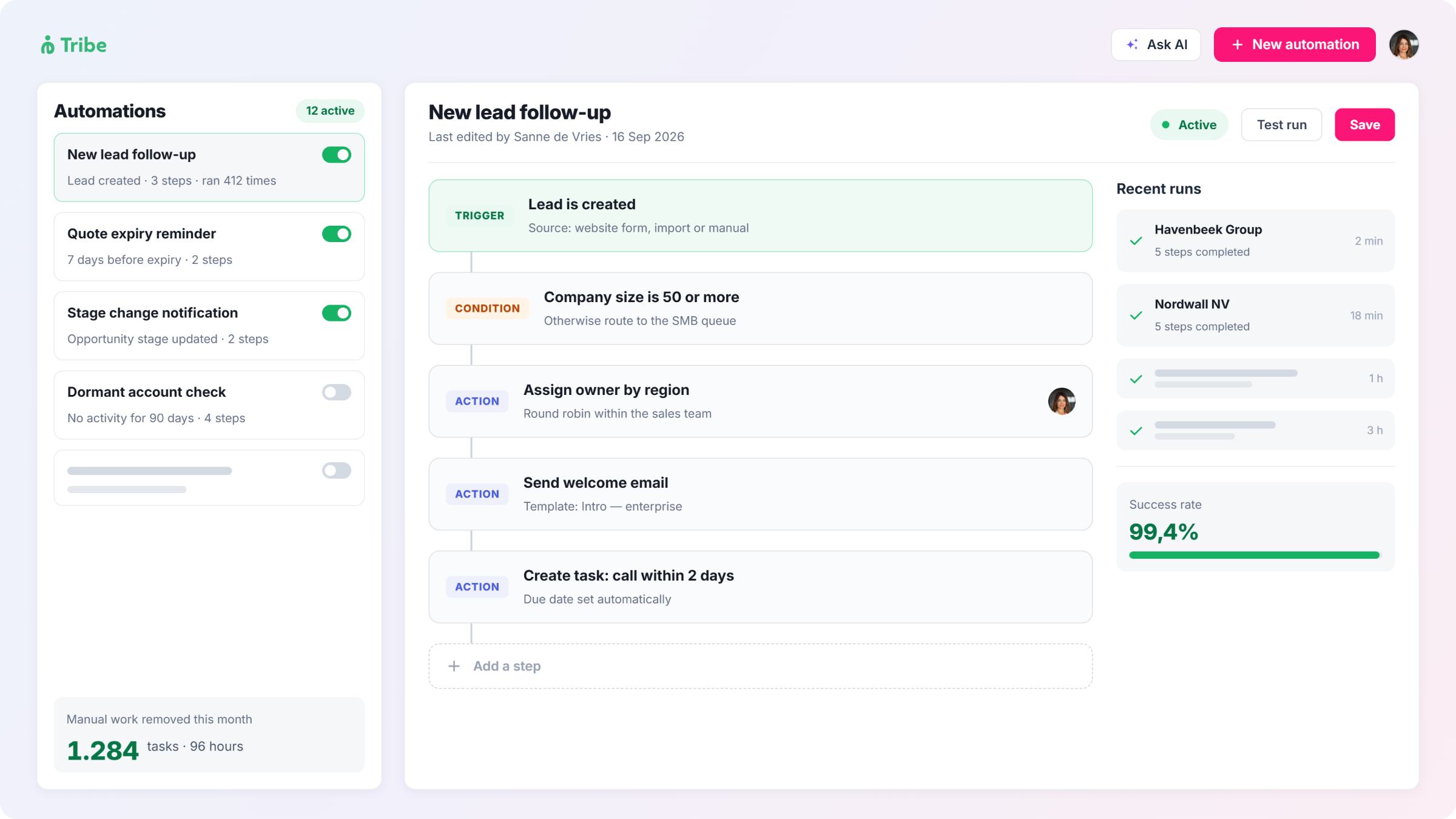
Tribe’s pipeline moves leads through named stages: New, Working, MQL, SQL, then Qualified or Disqualified, with AI lead enrichment and lead scoring from the Advanced plan. Once a lead is qualified, it converts automatically into a linked sales opportunity, and automatic assignment routes it to the right rep without a manual step. Ask AI, included on every plan, checks for close matches before creating a new record and flags them rather than creating a duplicate. Each opportunity is built from four parts: details, phases, products and activities, and Tribe supports multiple pipelines where sales processes genuinely differ.

VoIP works differently to Odoo’s: Tribe has no native telephony, connecting instead through marketplace partners such as Ringover or Dstny, each a separate subscription with its own billing. On the reporting side, Tribe’s KPIs aren’t a fixed set of dashboards: a KPI can be built on any entity, sales opportunities, support tickets, or leads, with its own calculation logic and objectives set at employee, team, or organisation level, then displayed through a dashboard widget. 

Both give a sales team real pipeline intelligence. 

CRM and sales pipeline in summary

Both are capable CRMs; the difference shows up in the features that surround the pipeline.

Accounting, manufacturing and inventory: native in Odoo, integrated in Tribe

Odoo Accounting is double-entry bookkeeping, with a general ledger, bank reconciliation and financial statements, not an invoicing layer sitting on top of something else. Odoo Manufacturing (MRP) plans production, tracks work orders and manages bills of materials, and because it shares a database with Accounting and Inventory, a manufacturing order that consumes raw materials updates stock valuation automatically, flowing straight into cost of goods sold on the same ledger, with no reconciliation step between separate systems. Odoo Inventory handles multi-warehouse stock, routes and valuation on that same shared data. A company running manufacturing, holding physical inventory, or needing full statutory accounting inside the same system as its CRM has reason to choose Odoo.

invoicing billing comparison odoo

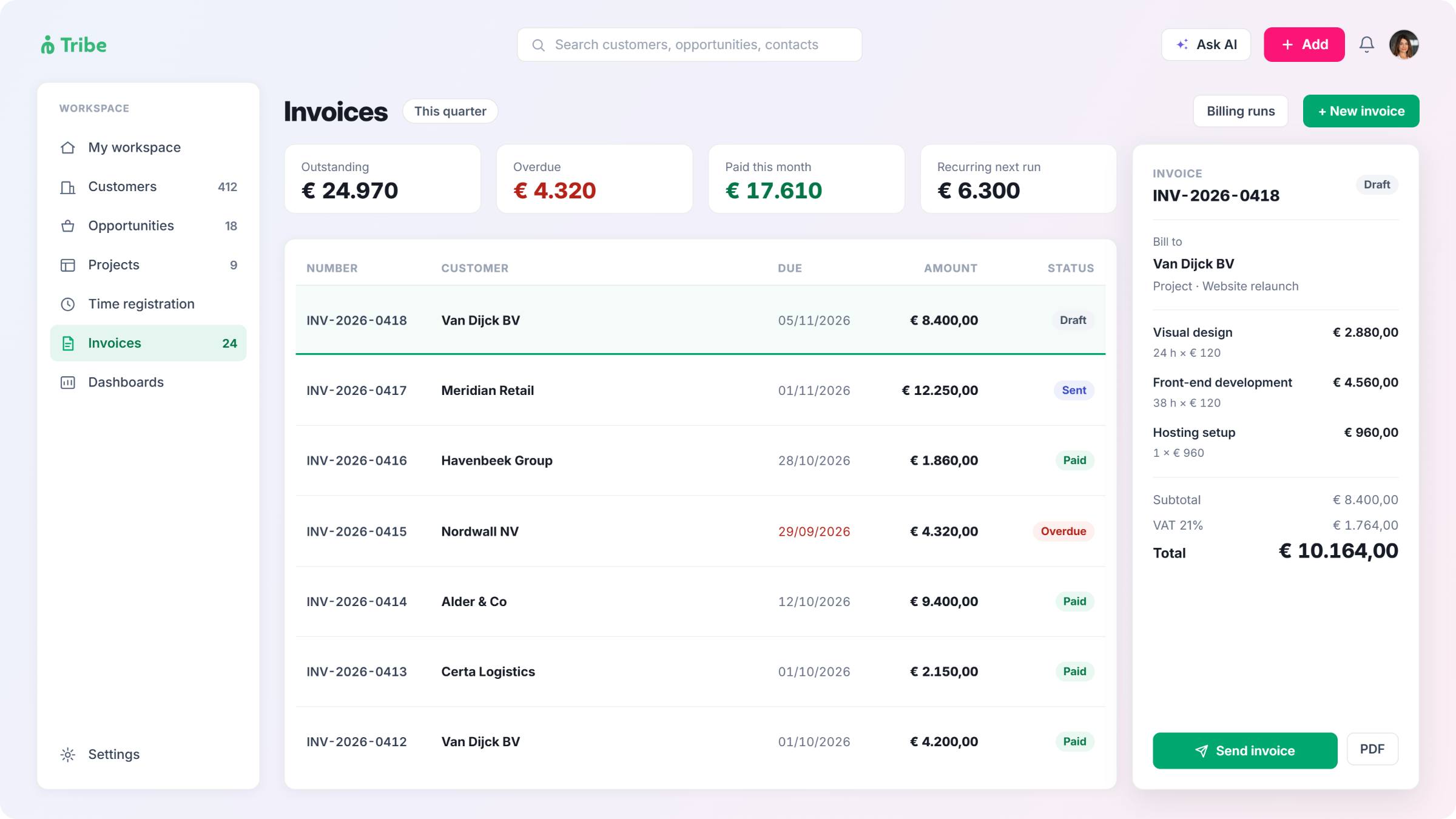
Tribe doesn’t compete on this ground. Its invoicing, recurring billing and project management cover a sales-led services business: a consultancy, an accounting firm doing client billing rather than running its own manufacturing line, or an association managing dues and events. For that kind of business, Odoo’s manufacturing and inventory depth is scope it will never use, even though it’s still part of the system it runs. Where Tribe does cross into accounting, it’s through integration rather than a native module: its own marketplace connector with Odoo syncs relationships, invoices and payments, including across multiple legal entities, for a team running CRM in Tribe and accounting in Odoo side by side.

System architecture in summary

Odoo builds accounting, manufacturing and inventory natively into the system; Tribe connects to them through integration instead.

Odoo pricing, implementation cost and the partner question

Odoo’s pricing looks inexpensive on first impression, and for a company that only needs one or two apps, it often is. The pattern that shows up repeatedly across Capterra, G2 and Trustpilot reviews is different: implementation work that the low entry price doesn’t fully account for. As one ERP consultancy puts it, a lower price doesn’t make a rollout simpler. Reviews describe rollouts that can run well beyond initial timelines, and outcomes that vary by which implementation partner is chosen. 

Odoo’s own documentation reflects this split by company size in three tiers, not two: companies under 50 employees use Odoo’s own paid Success Packs directly, mid-sized companies between 50 and 250 employees are referred to its partner network, graded in three tiers (Ready, Silver, Gold) of varying depth, and companies above 250 employees go back to dealing with Odoo directly. Partner quality varies enough that reviewers commonly recommend vetting a partner carefully before signing. 

Licensing has its own hidden layer too. Alongside standard users, Odoo offers a cheaper “Light User” license for employees who only need limited functions, such as logging time off, expenses, or attendance, or operating a point of sale or manufacturing shop floor. Getting that pricing isn’t self-service: it requires booking a call with an Odoo advisor, who provides a custom quote based on the organisation’s needs, rather than a listed price on the page. 

Tribe doesn’t have an equivalent partner layer for implementation. Every plan includes self-service onboarding as a baseline, and any guided onboarding beyond that is delivered directly by Tribe, with no third-party partner relationship to manage. That’s a smaller scope of what gets configured, in exchange for not needing to gamble on which partner a rollout ends up with. 

Onboarding in summary

Tribe’s onboarding always comes directly from Tribe; Odoo’s depends on company size, and the gap between its sticker price and real cost is well documented. 

AI: where the data is processed

Odoo 19, released in September 2025, made AI a platform-wide layer: Ask AI, AI Agents, AI Fields (auto-generated content inside records), and natural-language automation building, where you describe an automation and Odoo writes and deploys it. Predictive lead scoring is a separate, longer-standing CRM app feature, not part of this newer AI layer.

Odoo’s native AI is excluded from the free Community edition; it’s available from the Standard Enterprise plan up, and usage is metered through separate in-app purchase credits on top of the subscription. It runs on ChatGPT or Gemini by default, both US-based providers. Until October 2025, there was no built-in EU-hosted alternative; a Dutch Odoo partner’s AI integration was explicitly marketed as “the first European AI integration for Odoo.” Getting EU-resident AI processing with Odoo currently means adding a separate, paid, partner-built connector. 

ai features comparison with odoo

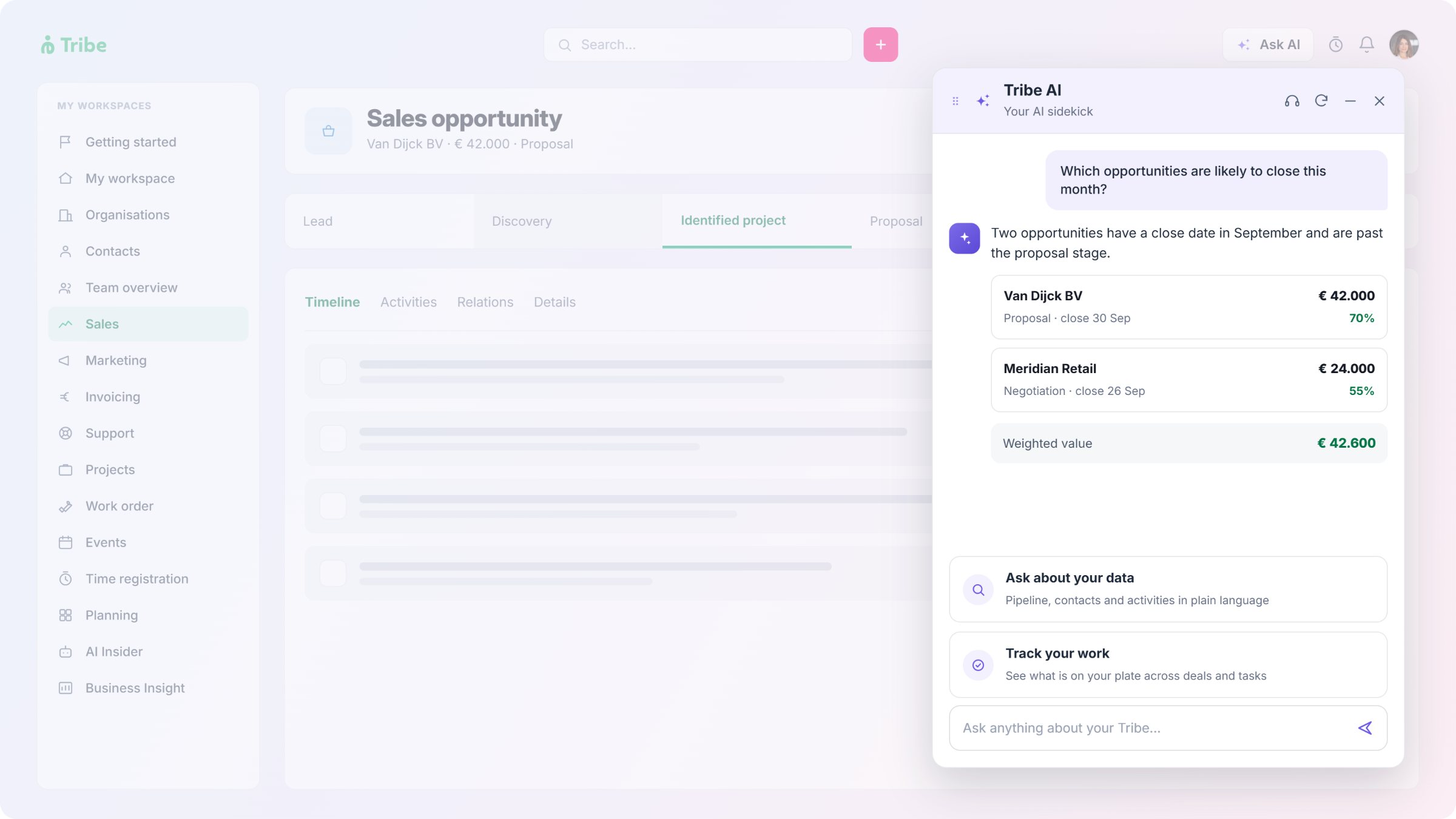
Tribe’s architecture is documented in more granular detail. Its CRM application and database sit on EU infrastructure at rest, as does the orchestration layer that coordinates each AI task. When a feature runs, that layer reads only the specific records the task needs, sends a prompt containing just that data to a third-party model, and writes the result back. Most features route through Anthropic’s Claude models; a couple (AI-Assisted ICP and competitive landscape analysis) route through Google’s Gemini, with OpenAI also used for competitive analysis and sentiment summaries. All three are US companies, so the data does travel to US servers to process each request. What’s confirmed: nothing is stored there afterward, none of it trains a model, and any new record it creates needs a human to approve first.

Neither vendor’s approach is “AI that never leaves Europe.” Both ultimately rely on US AI providers for the actual processing. The bigger difference is what’s actually on offer: Tribe builds its safeguards in directly: minimal data, no training use, human approval on writes. To do the same with Odoo means paying a partner for an add-on.

AI features and data residency in summary

Both build AI into the product. Where data is processed, and how precisely that’s documented, is the difference.

Customisation: no-code throughout, or code below Studio

Odoo’s deepest customisation runs through code. Its open-source Community edition lets a technically capable team read and modify the underlying code directly. For less technical teams, Studio is the no-code alternative, letting you add fields, build views and create automated actions without writing Python. Used alone, as a single app, it’s free; installed alongside any other app, it requires Odoo’s top “Custom” tier, and adding it to a database already on a lower plan triggers an automatic upgrade to Custom. Third-party developers have built workaround modules specifically because Studio’s Enterprise-only gating is a known friction point.

workflow automation comparison with odoo

On Tribe’s side, this kind of configuration is native and included at every tier, never requiring code, though how much of it is available still scales by plan. Essential covers price lists and product settings: segment-based, promotional, or volume-threshold pricing applied automatically once set up, with products carrying their own toggles for fractional quantities, role-restricted price overrides, and per-transaction description edits. Advanced adds activity type creation, letting a team define new activity types of its own rather than work within fixed ones, unlimited custom widgets for visualising pipeline and performance data, and conditional roles and rights to control who sees what. Custom fields scale alongside this: relationship-level on Essential, activity-level (what a custom invoice field needs) from Advanced, full composability across relationship, activity and entity levels on Ultimate.

Tribe customer Multiflour, a food ingredients trading company, configured per-customer, per-volume and even per-season pricing and called Tribe “a customisable platform that puts you in control, without a single line of code.” Plenda, an educational publishing company, configured different VAT rates and discount logic across their product lines. 

At its own top tier, Tribe has a direct equivalent to Odoo’s Studio: custom entities, built with what Tribe calls an exclusive designer, for defining new overview pages, quick-select functionality pages, or customer portal pages without writing code. It’s gated to Ultimate specifically, the same way Studio is gated to Odoo’s top “Custom” tier, so the deepest no-code customisation on both platforms sits behind each vendor’s highest-priced plan. The difference that survives even there: nothing on Tribe, at any tier, ever requires writing code, while Odoo’s equivalent capability below Studio does. Independent reviews describe a consistent split because of this: Odoo’s day-to-day screens are often called intuitive once someone has set them up, while the learning curve for that initial setup, and any customisation after it, is just as often called steep. 

Customisation in summary

Both platforms gate their deepest no-code tool to their top tier; what differs is whether customising still means writing code.

Support: direct from Tribe, or through a partner

Odoo provides standard support, including bug fixes and security updates, for three years per major version; continuing beyond that requires a mandatory extended-support fee. Odoo’s own reviewers frequently describe its direct support as limited. Beyond that, support quality simply depends on which partner a company ends up with.

Tribe offers chat and email support in English, Dutch, French and Scandinavian languages on every plan, with no partner layer at any point. Essential includes self-service only: that chat and email support, plus full knowledge base access. Advanced adds a remote account manager and phone support, both gated behind a minimum annual contract value of €10,000 or the local currency equivalent. Ultimate removes that gate entirely: a dedicated account manager and phone support both come included with no contract value threshold.

Pricing structure differs in shape as well as price. Odoo bundles its full app catalogue under one per-user Enterprise subscription, or lets a company run a single app free, indefinitely, with no user limit. Tribe charges per seat across three plans, each adding a defined set of features, with minimum seat counts of two on its first two plans and five on its top plan. Neither structure is simply cheaper than the other. They’re priced for different shapes of company.

Support and pricing in summary

Odoo’s direct support is strongest for smaller deployments and thins out for larger ones, where the partner network takes over; Tribe’s support scales by plan too, but always comes from Tribe directly.

Odoo vs Tribe CRM by industry

For consultancies
If the work is sales-led services, meaning time tracking, invoicing and delivery, without manufacturing or inventory, Tribe covers that from a single client record with onboarding handled directly by Tribe rather than a partner-led implementation project. Odoo covers the same ground in a larger ecosystem that needs configuring to get there. A consultancy that later needs deeper accounting can add it without switching systems: Tribe has an integration to Odoo.
For accounting firms
A firm billing clients for services, rather than running its own general ledger as a product, fits Tribe's scope closely. A firm that wants its own books, client billing and CRM in one system, and has the resources to implement it, has a case for Odoo's accounting depth instead. A firm that wants both can integrate Tribe with Odoo to sync relationships, invoices and payments, even across multiple legal entities.
For associations and membership organisations
Renewal automation, invoicing and event tracking sit inside Tribe's scope from an early plan. An association that also manages physical inventory, such as merchandise or equipment, has a reason to weigh Odoo's inventory app against that broader scope.
For government and public sector teams
Budget predictability and a fixed procurement cycle suit Tribe's flat per-seat pricing and direct, Tribe-led onboarding. A public sector body already committed to a long-term, partner-supported implementation, and needing broader financial or asset management than a CRM provides, may find Odoo's depth worth the implementation investment. A team that wants both can integrate, with procurement and budgeting in Odoo and CRM in Tribe.
Industry Tribe CRM fits when Odoo fits when

Consultancies

Accounting firms

Associations and membership orgs

Government and public sector

Sales, billing and delivery is the whole job

Client billing is the need, not running the firm’s own ledger in the same system

Dues, renewals and events are the core workflow

Fast, direct onboarding on a fixed budget matters most

Manufacturing, inventory or full accounting sit alongside sales

The firm wants accounting, CRM and more in one database, with resources to implement it

Physical inventory or multi-department operations need managing too

A long-term, partner-supported implementation is planned or underway

Frequently asked questions

Yes, for a sales-led services business: a consultancy, an accounting firm doing client billing, an association, or a government team. The fit depends on whether the need is CRM, billing, time and delivery, or accounting, manufacturing and inventory management. A business that needs manufacturing, inventory or a complete general ledger alongside its CRM has reason to use Odoo instead.

Yes, and they’re mature, well-established apps, not recent additions. Odoo Invoicing handles full billing, and Odoo Timesheets includes a live timer with approval workflows, both able to generate invoices directly from logged hours.

Yes. Both are included from Tribe’s entry plan, on the same record as the deal, with no separate app required.

It depends on company size. Companies under 50 employees use Odoo’s own Success Packs directly; companies between 50 and 250 employees are typically referred to its partner network… companies above 250 employees deal with Odoo directly again.

No, at any size. Every plan includes self-service onboarding, meaning chat support and full knowledge base access, and any further onboarding is delivered directly by Tribe.

The subscription price often looks lower, and for a single-app use case it usually is. The total cost, once implementation and any partner support are included, is the number most independent reviews say to plan for instead of the sticker price. 

Yes. An assistant, AI agents, and automation were all introduced with Odoo 19 in September 2025. Free Community edition has no native AI; it’s available from the Standard Enterprise plan up, and usage is metered through separate in-app purchase credits on top of the subscription. Its native AI runs on ChatGPT or Gemini by default; an EU-hosted option exists only through a separate, paid partner integration. 

Yes. A built-in AI assistant, sentiment analysis and AI-Assisted ICP are included from Tribe’s entry plan, with AI lead enrichment, lead scoring and a competitive landscape summary from its second plan. Tribe’s core CRM data stays on EU infrastructure at rest; each AI feature sends only the data it needs to a third-party model (mainly Anthropic, with Google and OpenAI used for specific features) under Standard Contractual Clauses (the EU’s standard safeguard for data sent abroad), with nothing stored in the US afterward and no use in model training. 

Yes. Tribe has a native marketplace integration with Odoo that syncs relationships, invoices and payments automatically, including across multiple legal entities. It’s built for teams that run CRM in Tribe and accounting in Odoo side by side, rather than replacing one with the other. 

Odoo Community is free and open-source, self-hosted, and unsupported directly by Odoo. Odoo Enterprise is the commercial, hosted version with official support and the full app catalogue, priced per user. 

Partly. Odoo Studio is its no-code layer, letting you add fields, build views and automate actions. It’s free to use as a single app, but combining it with any other app requires the top “Custom” tier; the mid-tier “Standard” plan doesn’t include it.

Yes. Price lists, where your team sets its own product prices, and product settings are configured through Tribe’s own settings screens at every tier. Custom fields scale by plan, reaching full composability (relationship, activity and entity level) on Ultimate.