Free Trial
Free Trial

Pipedrive alternatives: how Tribe CRM compares

Compare features and pricing side by side. The difference comes down to whether the work ends when the deal closes. Both track deals through a pipeline. They differ in everything that comes after.

comparsion tribe crm vs pipedrive

A side-by-side look at both CRMs

Features

Tribe CRM

Pipedrive

CRM and sales pipeline ✔ ✔
Native invoicing ✔ All plans Third-party integration only¹
Time registration ✔ All plans Marketplace app needed
Project management ✔ From Advanced Paid add-on below Premium²
Workflow automation ✔ Unlimited from Advanced ✔ From Growth, capped until Ultimate³
AI features ✔ All plans; competitive landscape from Advanced⁴ ✔ Basic assistant all plans; more from Premium⁴
Phone support ✔ From Advanced ✔ From Ultimate
What you pay Seats, plus a couple of narrow add-ons⁵ Seats, plus paid add-ons for lead gen and documents⁶
Minimum seats 2 on Essential/Advanced, 5 on Ultimate None
Free plan None None
Start your free trial As of October 2026: ¹Via a paid Xero or QuickBooks account; no native invoicing. ²Free on the top two tiers; a paid add-on below that. ³Automations start on the second tier; count and branching are capped until the top tier. ⁴Tribe includes its assistant, sentiment analysis and ICP on every plan; AI lead enrichment, lead scoring and competitive landscape need its second plan. Pipedrive's basic Sales Assistant is free too, but its generative AI (summaries, drafting) and predictive deal scoring need its top two tiers. ⁵ White-label branding and a sandbox environment are separate paid add-ons; core sales, billing and marketing tools are included in the plan. ⁶ LeadBooster, Web Visitors and Campaigns are priced per company at every tier; Smart Docs works the same way below Premium but is bundled in free from Premium up. Current rates are on each vendor's site.
Where Tribe differs from Pipedrive

Four things to check before you pick either one.

Core sales and marketing tools included

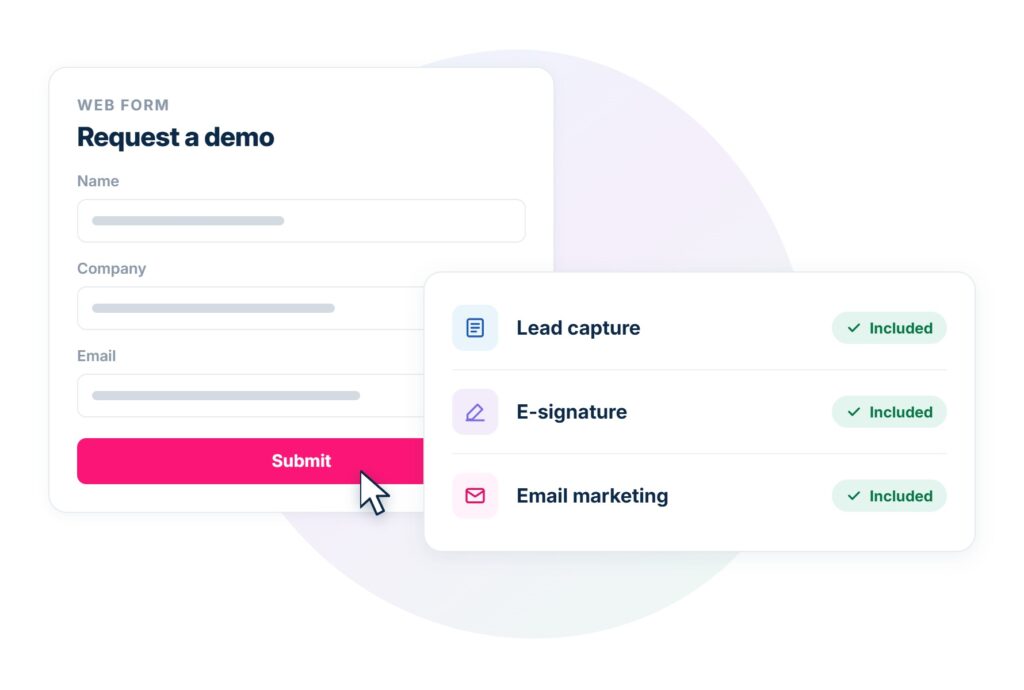
Tribe includes lead capture and email marketing in every plan, with nothing extra to buy, and e-signature through a connected provider like ValidSign. Pipedrive charges extra for lead capture and email marketing at every tier, and its own e-signature add-on stays paid until a team reaches its top two tiers.

Invoicing that's part of the CRM

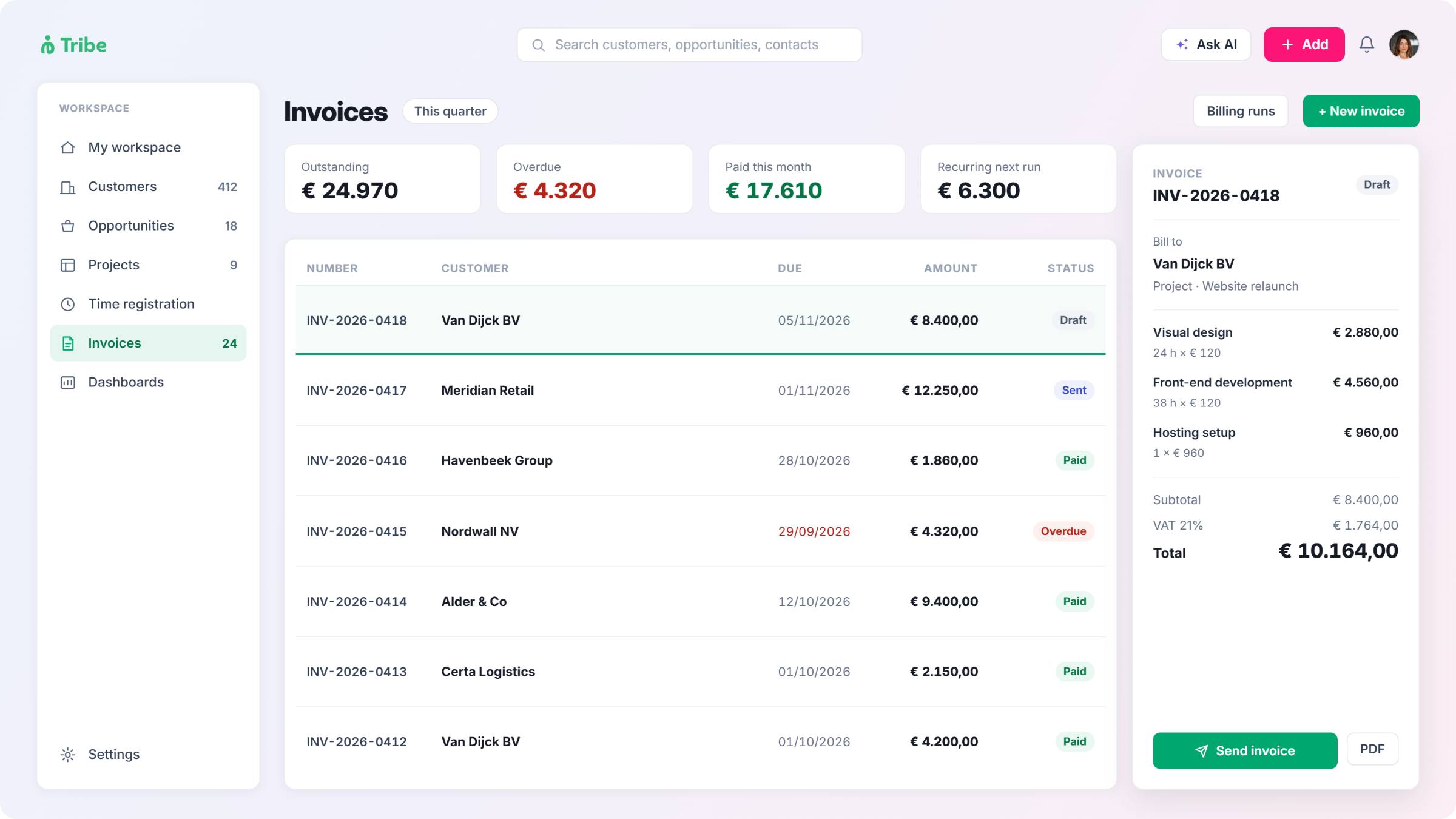
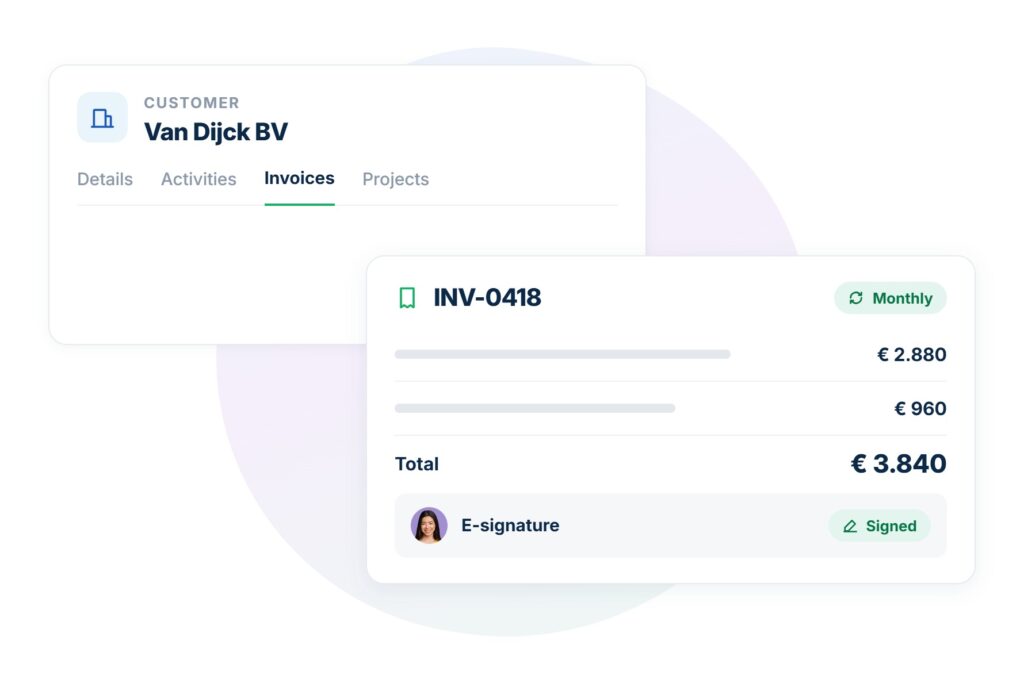
Tribe includes invoicing and recurring billing in the CRM itself, on every price plan. Pipedrive handles this through a Xero or QuickBooks connection instead.
pipedrive vs tribe invoicing in the crm

Time registration built into the CRM

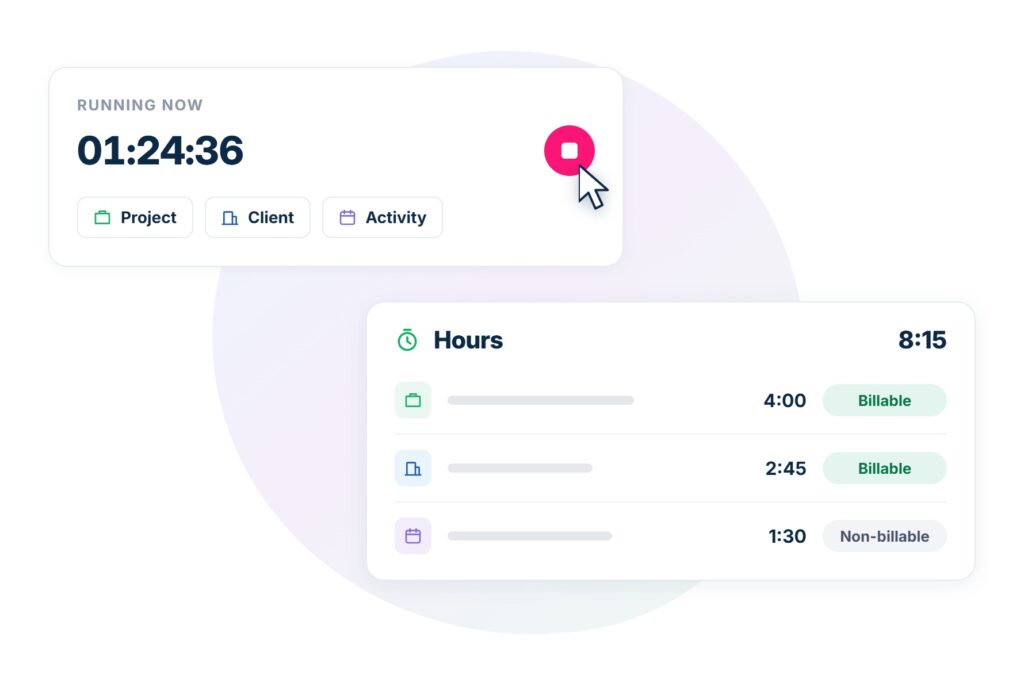
Tribe logs billable and non-billable hours in the CRM itself, against a project, a client or an activity. Pipedrive does this via marketplace apps, as a separate subscription.
pipedrive alternative with time registration built-in

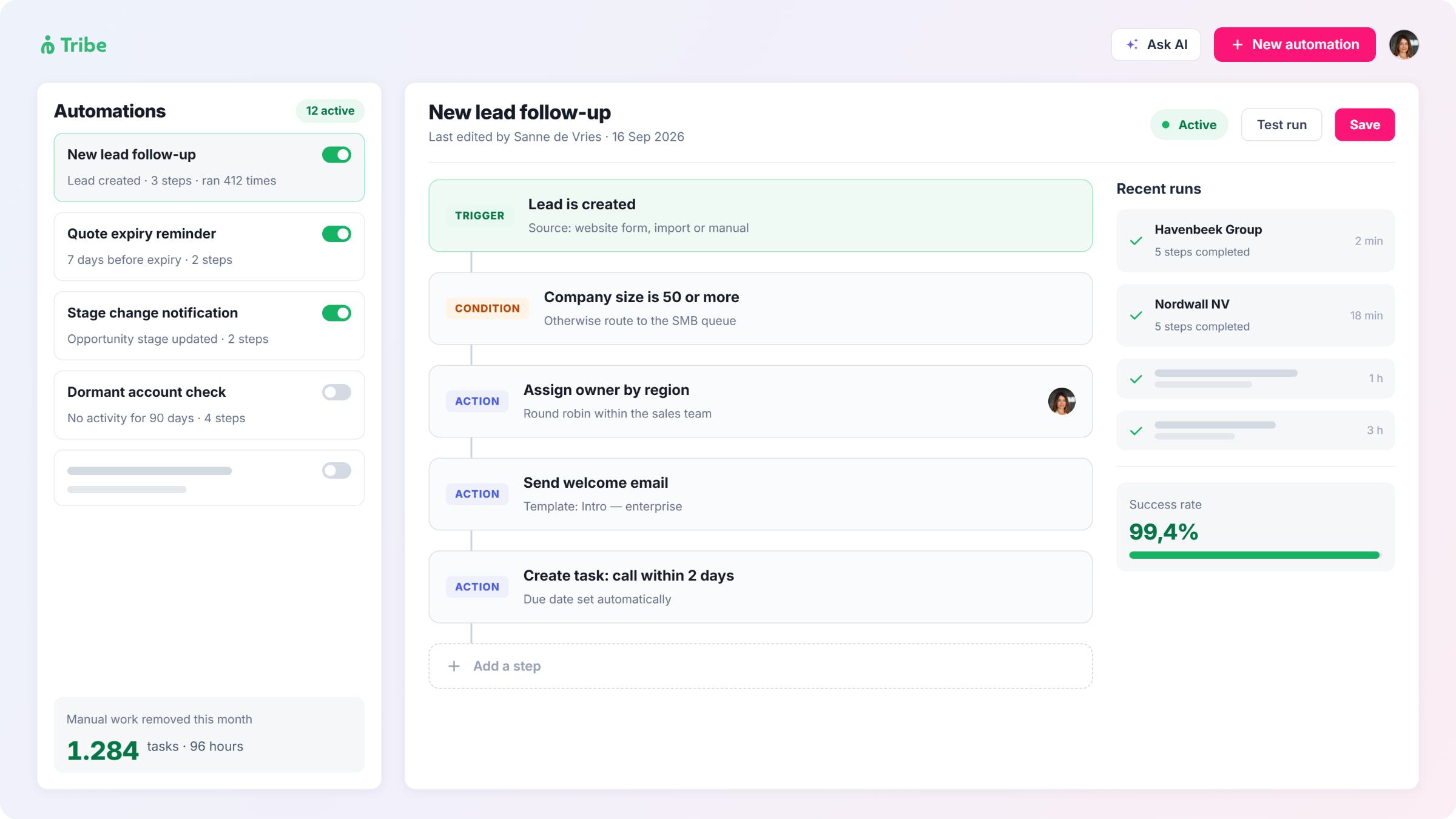
Automation included from entry plan

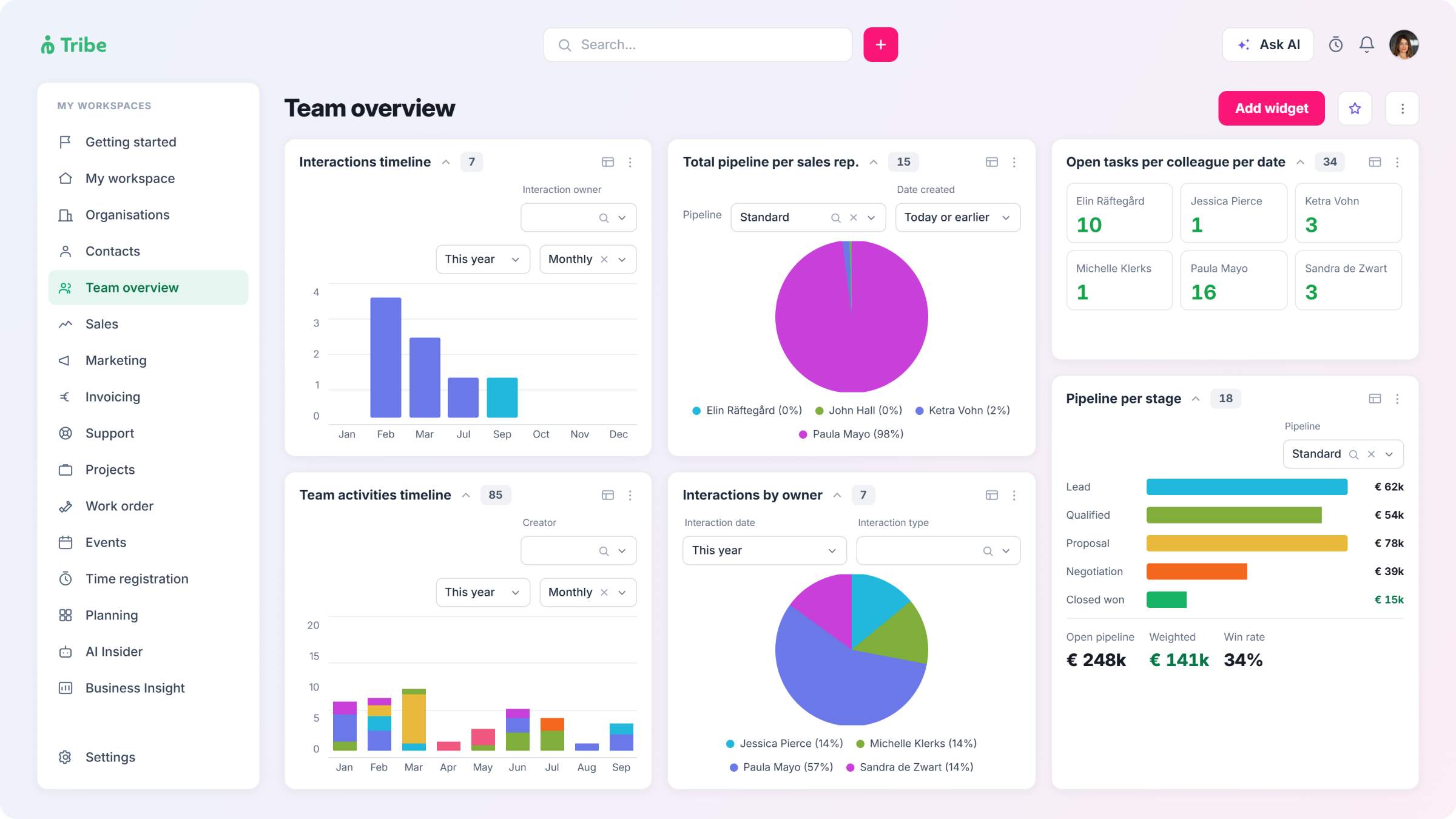
Tribe includes workflow automation from its entry plan, moving to unlimited automation with branching logic from Advanced. Automation with Pipedrive starts on the second tier.
pipedrive alternative with automation-from-entry-plan

See what Tribe adds beyond the pipeline

Start a 14-day free trial, no credit card needed. Invoicing and time tracking come built into the CRM.
Start your free trial

Pipedrive vs Tribe CRM

Tribe CRM

Pipedrive

Started as European sales and operations Sales-pipeline software, built by and for salespeople
Built for One system for billing and operations, built in Managing and closing deals, with everything else offered as an add-on
Ease of use Straightforward, with more included by default Widely rated as the simplest pipeline
Integrations A smaller, curated set focused on core European business tools One of the largest marketplaces in the category, with several hundred apps
Data hosting EU by default EU region available (AWS); parent company is US-based
Free trial Yes, 14 days Yes, 14 days
Start your free trial No credit card required.

Pipedrive and Tribe CRM both track deals through a sales pipeline. They differ once a team needs to bill a client, track billable hours or manage delivery after a deal closes. 

Pipedrive is a pipeline-first CRM, built for sales teams that want to move deals through stages with as little admin as possible. What it doesn’t do is bundle much beyond the pipeline: lead capture is always a separate add-on, and e-signature only comes free once a team reaches its top two tiers. Tribe includes invoicing and time registration from its entry plan, with e-signature through a connected provider, as one system rather than a core product plus a shelf of extras. Project delivery is the exception on both sides, gated to the upper tiers for Tribe and Pipedrive alike. 

For a consultancy, accounting firm, association or public sector team that needs to bill clients or members and track delivery, Pipedrive’s add-on layer shows up regardless of which plan a team is on. That’s the trade-off: fewer things to learn against fewer things bundled in. It’s also worth naming the one place Pipedrive is ahead: its marketplace runs into the hundreds of apps, well beyond Tribe’s smaller, more curated set. 

Neither offers a free plan; both run on a 14-day trial. Pipedrive hosts EU customers on AWS’s EU region, with a GDPR data processing agreement in place. Its parent company, Vista Equity Partners, and its head office are both US-based – worth knowing for a public-sector buyer documenting data sovereignty carefully.

CRM and sales pipeline: both do this well

Both tools organise sales around a visual, kanban-style pipeline, but the mechanics differ. Pipedrive lets a team run multiple pipelines side by side for different sales processes or product lines, and its deal rotting feature flags a deal in red once it’s gone a set number of days without activity, a note or an email attached to it, and the flag clears the moment a rep takes action. The whole design follows what Pipedrive calls activity-based selling: every deal carries a scheduled next action, and the pipeline view surfaces whichever ones don’t have one.

crm sales pipeline pipedrive vs tribe

Tribe runs leads through a dedicated pipeline, separate from the sales pipeline, moving through named stages – New, Working, MQL, SQL, then Qualified or Disqualified. Once qualified, a lead converts automatically into a prospect with a linked sales opportunity, so nothing unqualified clutters the forecast. Each opportunity is built from four parts: details, phases, products and activities, and Tribe supports multiple pipelines where sales processes genuinely differ, alongside the same entry plan’s 25 custom widgets, standard dashboards and a 360-degree view pulling a contact’s full history onto one screen.

CRM and sales pipeline in summary

Pipedrive’s pipeline view is widely rated the easiest to adopt of any CRM; Tribe covers the same ground with more built in around it.

Invoicing: built in, or an accounting integration

Pipedrive’s own support documentation is direct about this: its “invoicing feature” is an integration with Xero or QuickBooks, not something built into Pipedrive itself. The connection passes deal and contact data across to the accounting tool, but the invoice itself, its numbering and its payment tracking all happen outside Pipedrive. Using it means an active, paying account with both Pipedrive and the invoicing tool. No tier of Pipedrive changes this.

invoicing billing pipedrive vs tribe

Tribe includes invoicing and recurring billing in the CRM itself, from its entry plan, with e-signature available through a connected provider, on the same record as the deal. A quote converts straight into an invoice, with e-signature available through a connected provider like ValidSign or DocuSign, contracts store their own automated billing schedule, invoices can send and receive through the Peppol e-invoicing network via a connected provider, and payment links can run through Mollie, a European payment provider, rather than a separate checkout tool. For a consultancy or accounting firm billing every client, that’s one system rather than two subscriptions kept in sync.

Invoicing and billing in summary

Tribe includes invoicing from its entry plan; Pipedrive has no native invoicing, at any tier.

Time tracking: built in, or a separate subscription

Pipedrive doesn’t track time spent on deals or activities. Teams that bill by the hour connect a marketplace app, and the two most common options work differently from each other: Timely tracks time passively in the background through a desktop app, with no timer to start or stop, while Jibble adds a Chrome extension with a Clock In/Clock Out button inside the deal itself, or a right-click shortcut, and tags the deal name to the entry automatically. Either way, it’s a separate subscription running alongside Pipedrive rather than inside it, with its own login and its own sync back to the deal. 

Tribe registers hours through a timer that starts and stops from the top navigation bar, through manual entry after the fact, or by switching on hour registration directly on a task or appointment – in every case linked to a project, opportunity, work order, subscription or contact, and split into billable and non-billable time, with no separate app, login or sync required. 

Time registration in summary

Tribe includes time registration from entry level tier; Pipedrive has no native time tracking.

Projects: standard from Tribe’s second plan, Pipedrive’s top two

Pipedrive’s Projects tool tracks tasks, phases and deadlines on its own board. It’s standard on Premium and Ultimate. On Lite and Growth, the same feature is a paid add-on charged per seat.

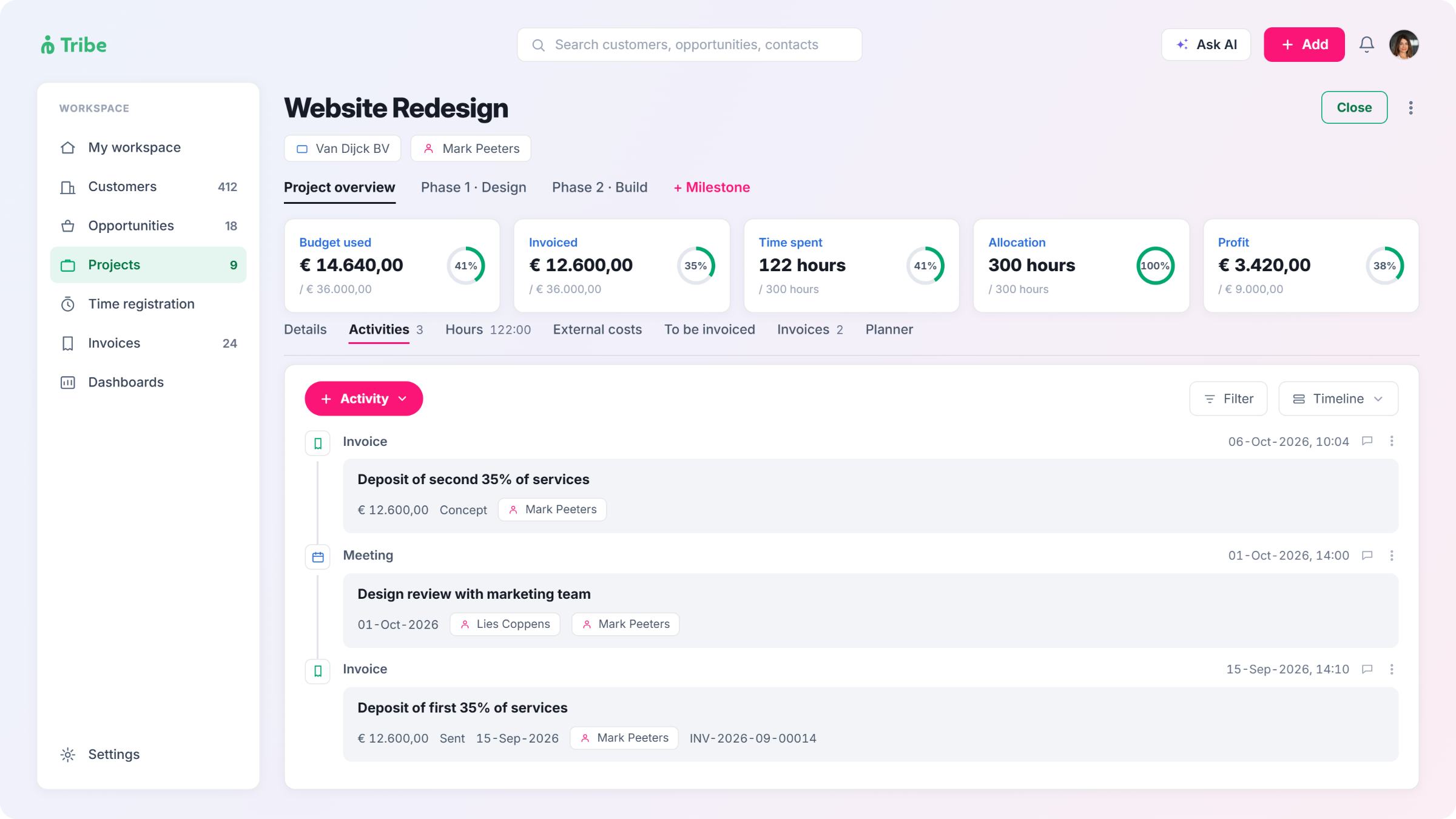
project management pipedrive vs tribe

Tribe’s project management feature opens directly from a won sales opportunity, with the deal’s data carried over automatically, and tracks milestones with their own budget and timeline, hours split between billable and non-billable, external costs, and a running profit figure calculated from hours and invoices minus those costs, all on the same record as the deal and the invoice from its Advanced plan.

Project management in summary

Tribe includes project management from its second plan; Pipedrive only bundles it in from its two highest tiers.

Workflow automation: none on Pipedrive’s entry plan

Pipedrive’s Lite plan has no workflow automation of any kind. Automation starts on the Growth plan, built around triggers such as a deal moving stage, an activity being marked complete, or a set amount of time passing; if/else conditions split a single automation into separate paths based on field values or deal stage, and several actions can chain together within one automation. Both how many automations a company can run and how much branching logic each one supports are capped by tier. The cap lifts only at Ultimate.

workflow automation pipedrive vs tribe crm

Tribe includes simple workflow automation from its entry plan, starting with a set of standard automations: birthday emails, automatic replies on new support tickets, task-assignment notifications, that switch on individually and can be duplicated and edited without touching the original. Custom automations, configured by an admin once the module is active, go further: a project reaching “delivery” status can generate a draft invoice on its own, without a rep touching either step. It moves to unlimited automation, with if/else branching, from Advanced.

Workflow automation in summary

Pipedrive’s entry plan has no automation; Tribe’s does.

AI features: nearly all of Tribe’s is on every plan

Pipedrive’s AI Sales Assistant is available on every plan, in beta, and answers questions about the account’s data, summarises content and guides setup. Predictive win-probability scoring, AI email generation and email summarisation with a sentiment read all need Premium or Ultimate; nothing generative runs on Lite or Growth. It processes through OpenAI’s Irish entity under a data processing agreement, so EU customers get access to it.

ai features pipedrive vs tribe

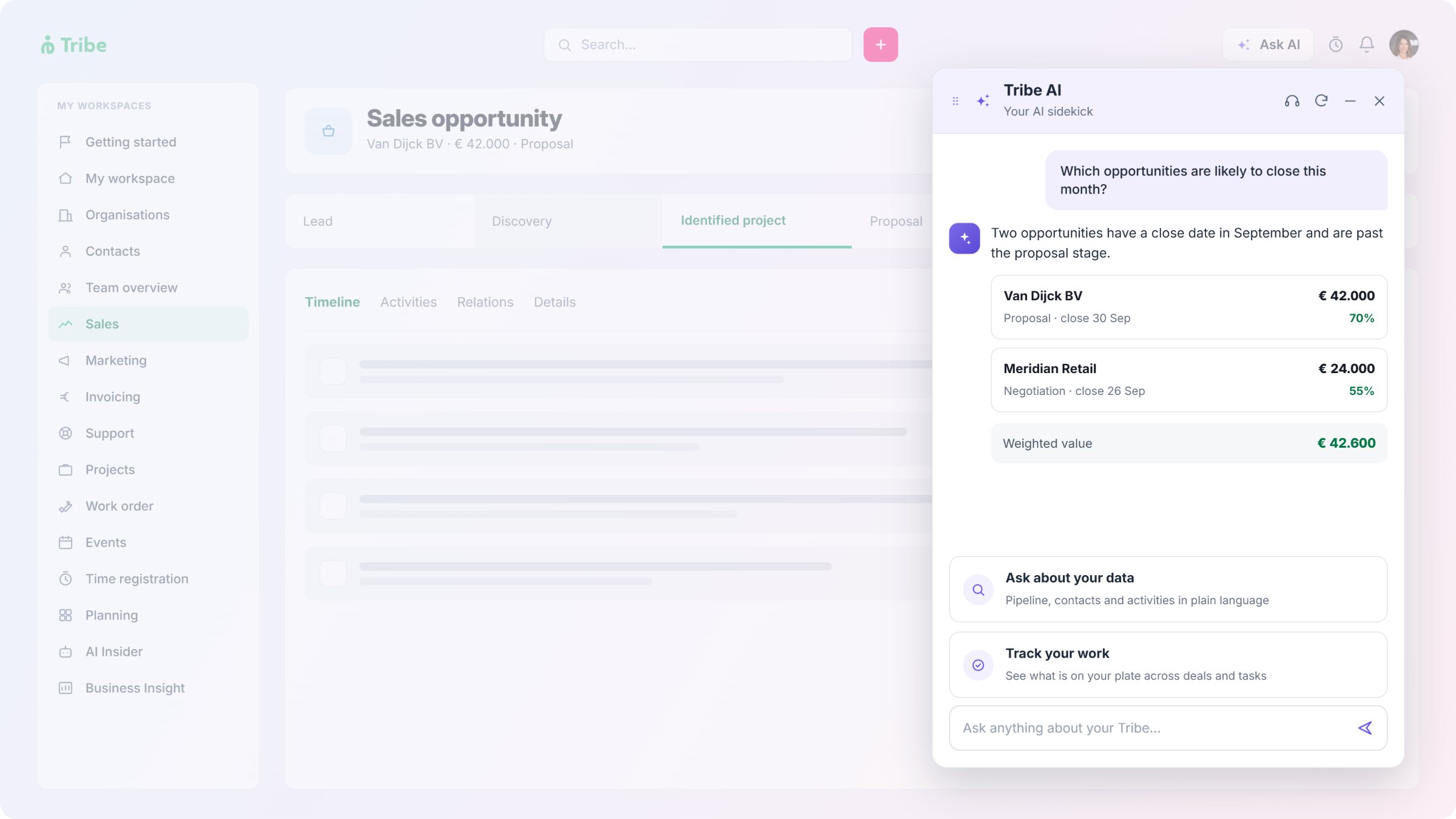
Tribe’s built-in AI assistant, sentiment analysis on Gmail and Outlook emails and AI-Assisted ICP are included from its entry plan. AI lead enrichment, lead scoring and a competitive landscape summary need its second plan. None of it runs on a separate credit or an outcome-based charge. 

AI features Tribe CRM Pipedrive

Built-in assistant

Sentiment analysis

Data enrichment

Ideal customer profile

Competitor analysis

✔ All plans

✔ On emails, all plans

✔ From Advanced 

✔ All plans

✔ From Advanced

✔ All plans, in beta

✔ On emails, Premium and up

✔ Premium and up

Not offered

Not offered

The practical question is where the AI sits in the bill. Tribe includes its assistant, sentiment analysis and AI-Assisted ICP on every plan, with AI lead enrichment, lead scoring and the competitive landscape summary on its second plan. Pipedrive’s base Sales Assistant is free too, but predictive deal scoring, email generation and email summarisation all need Premium or Ultimate.

AI features in summary

Most of Tribe’s AI is on every plan; most of Pipedrive’s needs Premium.

Onboarding: neither charges a fee

Pipedrive doesn’t appear to charge a mandatory onboarding fee at any tier. Its own marketing lists personalised onboarding as included even on Lite, its entry plan, with implementation support available on higher tiers for teams that want more hands-on help. Its activity-based design is built for quick starts; teams reportedly begin selling within a day of setup.

Tribe is also self-service, with ready-to-use workflows and no separate onboarding fee at any tier. Neither vendor makes a customer pay extra just to get started; the difference between the two sits in what’s included in the base plan once onboarding is done, covered in the sections above.

Onboarding and setup in summary

Neither charges a separate onboarding fee; Pipedrive includes guided onboarding even on its entry plan.

What you pay for: add-ons and what’s included

Pipedrive has no free plan at all, only a 14-day trial, so there’s no zero-cost way to start with it. Once on a paid plan, Pipedrive adds further cost through named add-ons. LeadBooster, which bundles a chatbot, web forms and a prospecting tool for finding new leads, and Web Visitors, for tracking anonymous traffic, are priced per company at every tier, including its top two. Smart Docs, which includes e-signature, works the same way below Premium, but comes bundled in free from Premium up. Tribe includes the equivalent core sales and marketing tools in its plans, without a separate line item; its own add-ons cover narrower needs, like white-label branding and a sandbox environment.

Support scales differently too. Tribe offers chat and email support in English, Dutch, French and Scandinavian languages on every plan, with phone support added from the Advanced plan. Pipedrive offers live chat from its Growth plan and phone support on Ultimate; its published materials don’t specify which languages phone support runs in.

Contract length works in Pipedrive’s favour: it offers monthly or annual billing on every tier, with no plan that forces an annual commitment. Tribe also bills quarterly or annually across all three plans.

Support and pricing in summary

Pipedrive’s low entry price doesn’t include everything a sales and marketing team needs; Tribe’s does.

Pipedrive vs Tribe CRM by industry

For consultancies
If billable hours, project budgets and client invoices need to sit in one place, Tribe's Advanced plan covers all three from a single client record. Pipedrive works well for the sales side, but time tracking and invoicing both need a separate app or subscription regardless of which Pipedrive tier a firm is on.
For accounting firms
Recurring client billing and deadline tracking sit at the centre of the work. Tribe includes recurring invoicing from its entry plan and project management from its second. Pipedrive has no native invoicing at all, so a firm on Pipedrive is already running a second system for billing before project management even comes into it.
For associations and membership organisations
Renewal reminders, event registration and recurring dues rely on automation and invoicing working together. Tribe includes both from its Essential plan. Pipedrive's entry plan has no automation at all, and invoicing isn't native at any tier.
For government and public sector teams
Budget predictability and data sovereignty both matter here. Tribe's three-tier structure and EU-by-default hosting fit a fixed procurement cycle. Pipedrive hosts EU data on AWS's EU region with a GDPR agreement in place, but its ownership and headquarters are both US-based – worth weighing for a team that needs to document data sovereignty carefully.
Industry Tribe CRM fits when Pipedrive fits when

Consultancies

Accounting firms

Associations and membership orgs

Government and public sector

Billable hours and project budgets need to sit on one record

Recurring billing and project tracking run together

Renewal automation and invoicing work as one

Budget predictability and EU-only ownership matter most

The work stops at closing the deal, with delivery handled elsewhere

Sales tracking is the only need; billing already lives in dedicated accounting software

The pipeline is simple and linear, with no automation need

An existing Pipedrive deployment outweighs data-sovereignty concerns

Frequently asked questions

For consultancies, associations, government teams and accounting firms, yes, provided invoicing, time registration and project management inside the CRM matter more than a dedicated sales-pipeline tool. Teams that only need to manage a sales pipeline, with billing and delivery handled elsewhere, may find Pipedrive’s simplicity the better fit.

No. Pipedrive’s invoicing feature is an integration with Xero or QuickBooks, and using it means paying for one of those tools separately.

Yes, included on every plan. Invoicing, recurring billing, and subscriptions are all built in from the entry plan, on the same record as the deal.

Not natively, at any tier. Teams that bill by the hour connect a marketplace app such as Timely or TimeCamp.

Yes, from its entry plan. Hours register through an in-app timer, manual entry, or directly from a task or appointment, split into billable and non-billable time.

Yes, called Projects by Pipedrive. It’s standard on the Premium and Ultimate plans. On Lite and Growth, it’s a paid add-on charged per seat.

Yes, from its second plan. Projects open directly from a won sales opportunity and track milestones, budget, hours and a running profit figure on the same record as the deal and the invoice.

No. Pipedrive offers a 14-day free trial but no permanent free tier. Tribe doesn’t have a free tier either.

Yes. A basic Sales Assistant is available on every plan, in beta. Predictive deal scoring, AI email summarisation with sentiment, and AI email generation all need the Premium plan or up.

Yes. Its built-in assistant, sentiment analysis on emails and AI-Assisted ICP are included on every plan. AI lead enrichment, lead scoring and a competitive landscape summary, built from the account’s own data, need its second plan. 

Yes, on AWS’s EU region, with a GDPR data processing agreement available. Pipedrive’s data-processing entity is Estonian, though its parent company (Vista Equity Partners) and head office are both US-based.

Tribe includes phone support from its second plan. Pipedrive reserves phone support for Ultimate, its top tier.